A wall calendar for your phone

One page a day.
Then cross it off.

Ahead is the paper day-calendar from your kitchen wall, made for your pocket. Flip to today, jot down what you're looking forward to, and mark the day done with your own hand.

Coming soon toGoogle Play Free · No account · Works offline
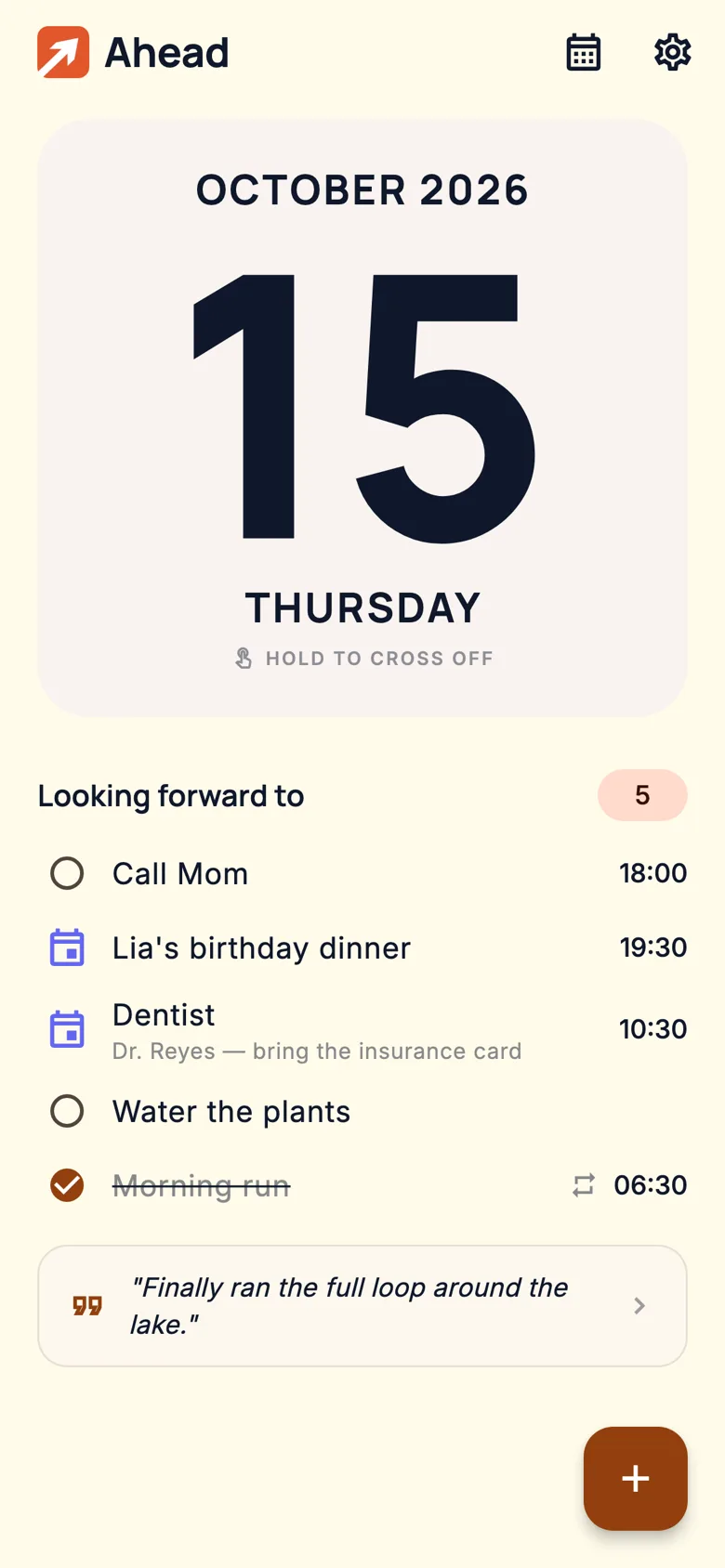
Ahead's day page: a large calendar card showing Thursday, October 15, with the hint 'Hold to cross off' and a list of today's plans below.

Not a productivity suite. A calendar page.

No dashboards, no streak-shaming, no inbox zero. Just today's page, what's coming up, and the quiet satisfaction of crossing a day off.

01

Cross off the day — on purpose.

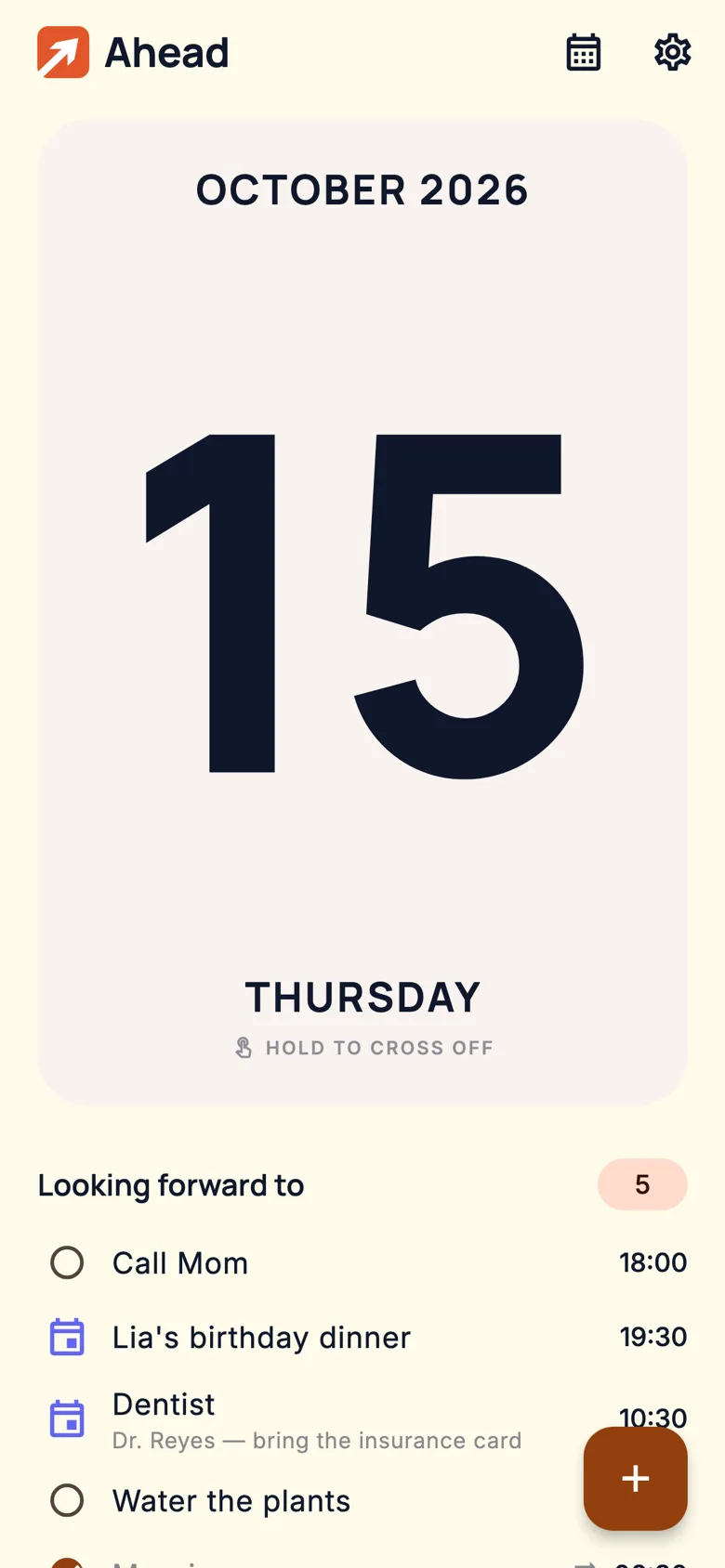
Press and hold the big date card. A red X draws itself under your finger, with a little tick at each stroke and a firm thunk when it locks in. It's deliberate, like a marker on paper.

  • Days you finish get a bold X; days that slip by just fade — never a fake check mark.
  • Changed your mind? Hold again to uncross. Past days stay editable.
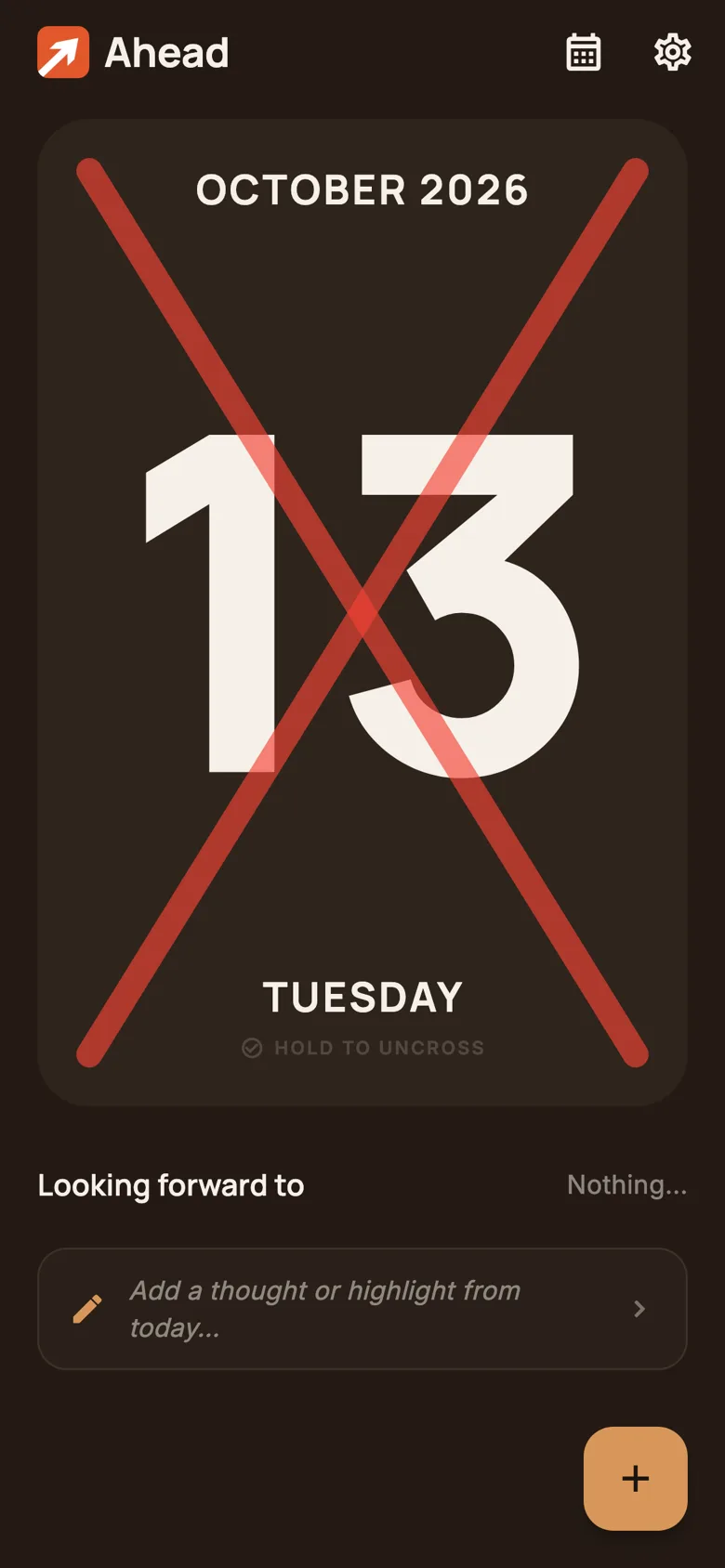
A day page in dark mode with October 14 crossed off by a large red X.
02

Everything you're looking forward to.

Tasks you can tick off and events you just show up for, side by side. Upcoming things float to the top; finished ones settle at the bottom.

  • Times, notes, and repeats — daily, weekly, monthly or yearly.
  • Gentle reminders, with “Mark completed” right from the notification.
  • A one-line reflection for each day, if you feel like it.
Today's list: Call Mom at 18:00, Lia's birthday dinner at 19:30, a dentist appointment with a note, Water the plants, and a completed Morning run, followed by a one-line reflection.
03

Jot it down in seconds.

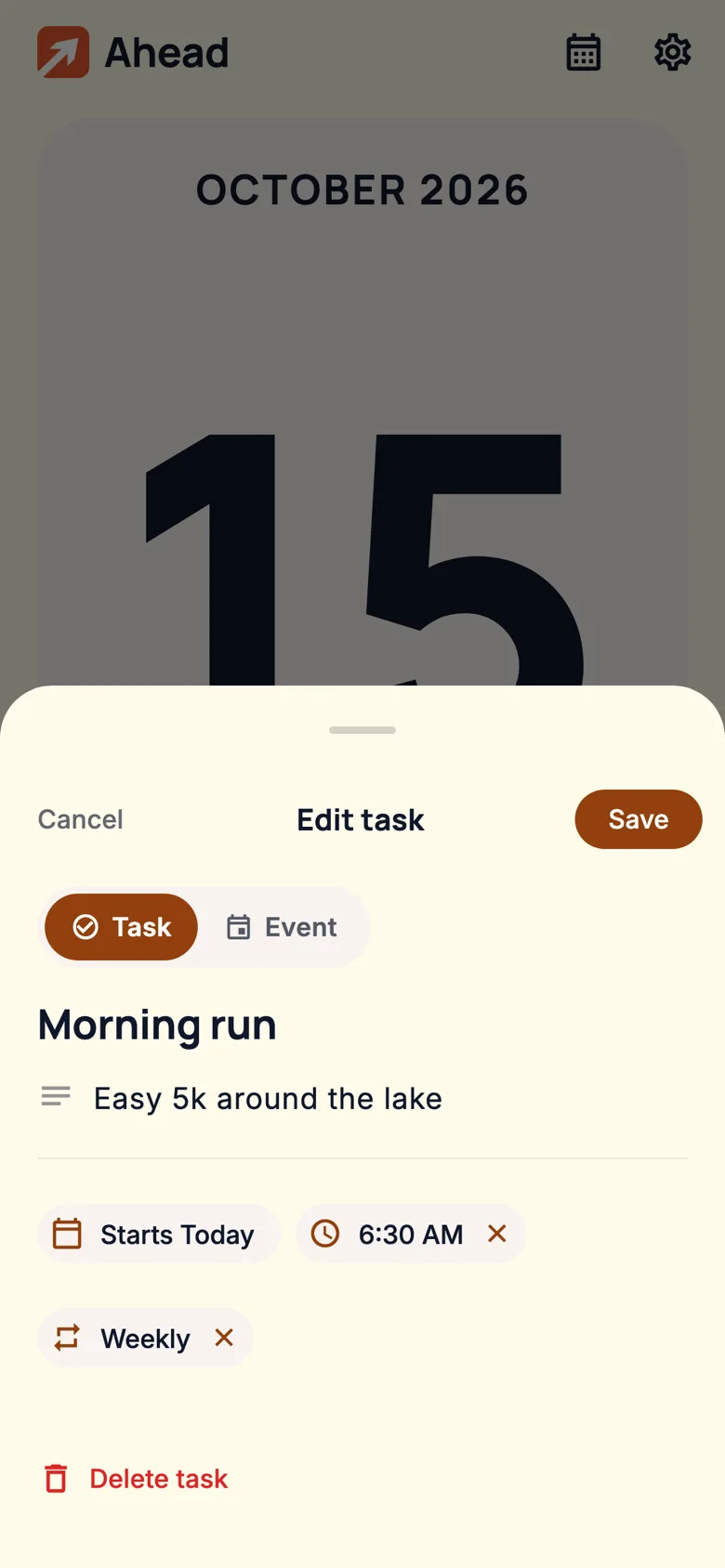
Type what's coming, then tap the date, time, or repeat chips — that's it. No forms, no required fields beyond a title.

The edit sheet for 'Morning run' with chips for the start date, 6:30 AM, and Weekly.
04

The month, at a glance.

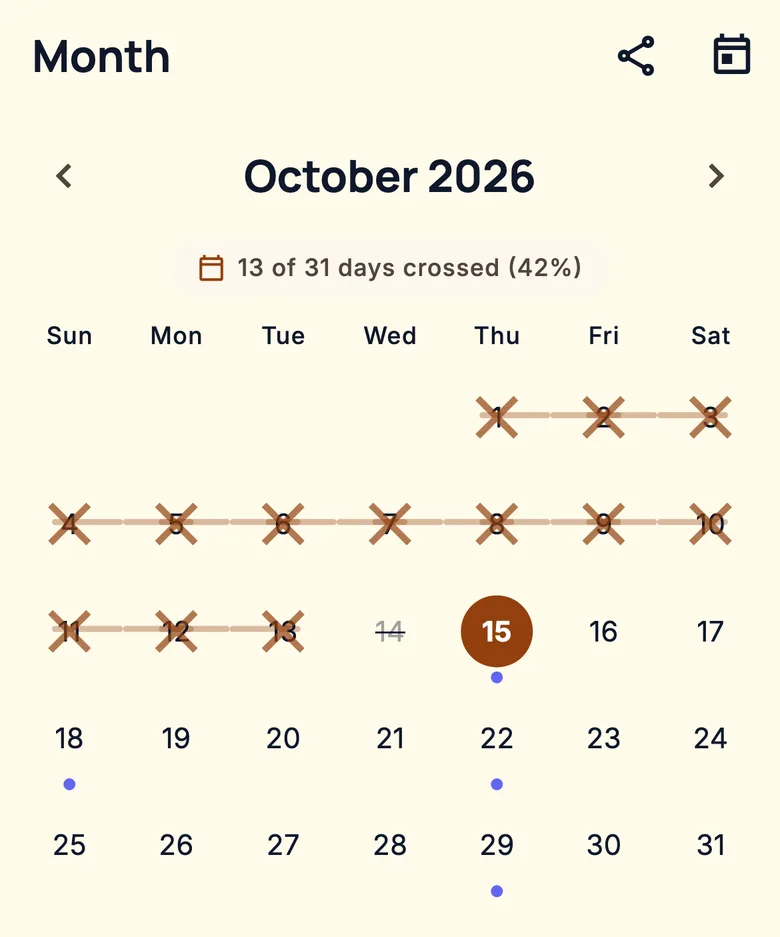
Crossed days link up into chains, like a run of X's on a wall calendar. Dots show which days have plans. Share a month summary when you're proud of it.

October 2026 month view: the 1st through 13th crossed off and linked, the 14th faded, today highlighted, and dots on upcoming days with plans.

Home-screen widget

Today's date and plans right on your home screen. It turns the page at midnight on its own.

Light & dark

Warm paper by day, a soft dark page at night — or follow your phone's setting.

Phones, tablets & foldables

On wider screens the date card sits beside your list instead of above it.

Backups you hold

Export everything to a file and keep it wherever you like. Import it on a new phone.

Today moves itself

At midnight the calendar flips to the new day automatically. No tapping required.

Works offline

Everything runs on your phone. No signal, no problem.

Your calendar never leaves your phone.

Ahead stores everything on your device. There's no account to make, no server to send it to, and nobody — including us — can see what you've written.

Read the privacy policy

  • No account, no sign-upOpen it and start writing.
  • No internet access at allThe Android app doesn't even request permission to go online.
  • No ads, analytics or trackersNothing is collected, so nothing is shared or sold.
  • Reminders stay localThey're scheduled by your phone itself, not pushed from a server.

Turn the page.

Ahead is almost ready. It's coming to Google Play soon — free, with no account and no ads.

Coming soon toGoogle Play